SBA Small Business Search: How Buyers Find You
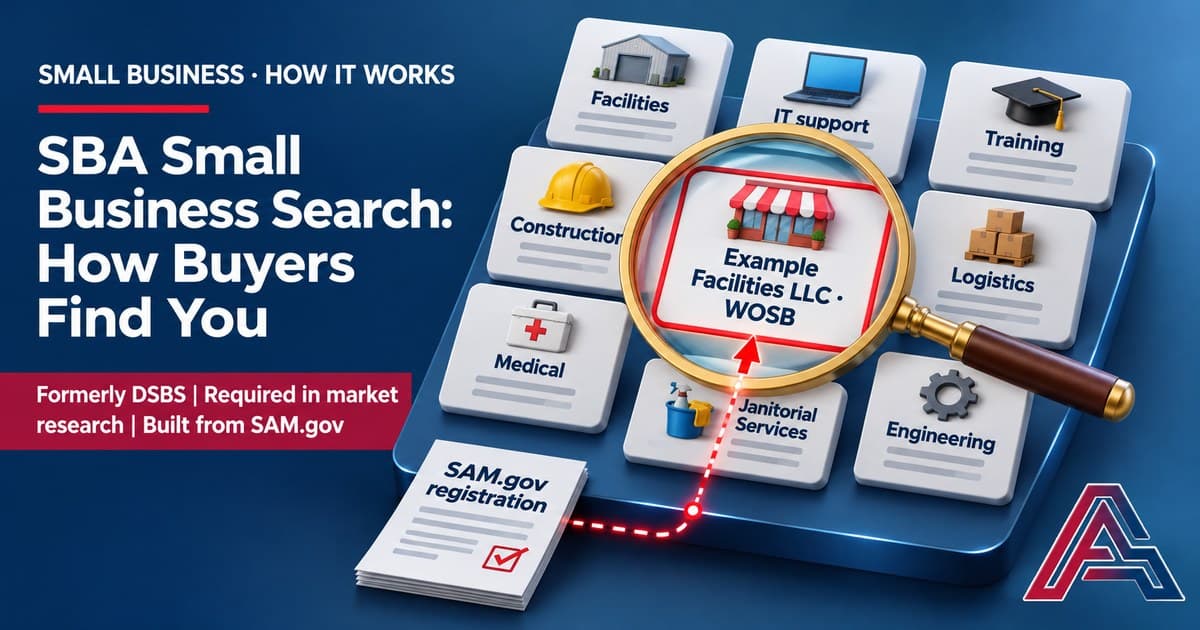
The SBA Small Business Search, formerly DSBS, is the database contracting officers are required to use in market research. Your profile comes from SAM.gov. Here is how buyers find you, and how to be found.
On this page
The SBA Small Business Search is the database federal buyers use to find small firms. Contracting officers are not merely allowed to search it. They are required to, as part of their market research. Your profile in it is built from your SAM.gov registration, which means most owners have one already and have never looked at it.
In short
- It has a new name. SBA calls it the "Small Business Search (SBS, formerly the Dynamic Small Business Search)." The old address, dsbs.sba.gov, now redirects to search.certifications.sba.gov.
- Buyers must use it. SBA tells contracting officers: "You're required to use the Small Business Search (SBS, formerly the Dynamic Small Business Search) as a part of your market research."
- It feeds real decisions. Officers use SBS "to help determine set-aside or sole-source allocation, or search for contractors for open or upcoming awards."
- Your profile comes from SAM.gov, and your certifications show on it. SBA: "Once certified, your profile in SAM and the Small Business Search… will show your approval date."
- Our advice: treat your SAM registration as a marketing document, not a form. It is the thing buyers actually read.
What the SBA Small Business Search is
It is a public database of small businesses, run by the Small Business Administration (SBA), that federal buyers search when they need to find firms like yours.
Start with the name, because it trips people up. For years it was the Dynamic Small Business Search, and everyone called it DSBS. SBA now calls it the Small Business Search, or SBS. The two names describe the same database. Type the old address into a browser and it redirects you to the new one.
That matters more than a rename usually would. Half the guidance online still says DSBS, so owners searching for help end up unsure whether they are looking at something current.
The database also sits inside the rules. The Federal Acquisition Regulation (FAR), the rulebook for federal buying, lists market research techniques at FAR 10.002(b)(2). One of them is "Reviewing systems such as the System for Award Management, the Federal Procurement Data System, and the Small Business Administration's Dynamic Small Business Search."
So the FAR points buyers at it, and SBA tells them they are required to use it.
How the SBA Small Business Search works, step by step

From your SAM registration to a set-aside decision
-
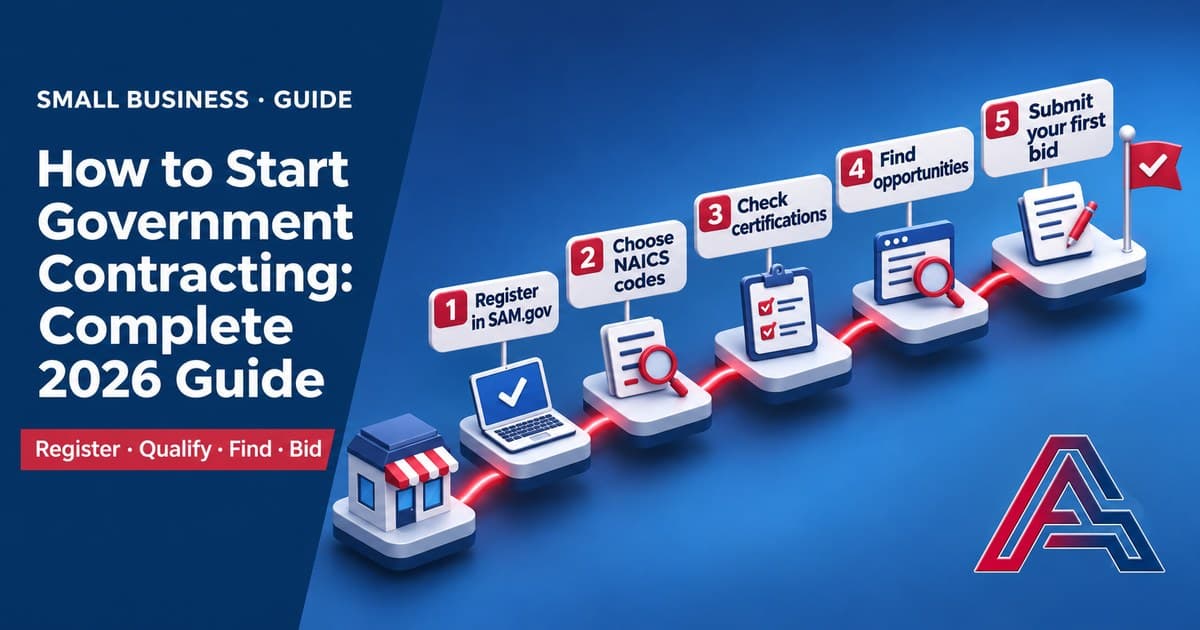
You register in SAM.gov. This is the foundation. SAM puts it simply: "if you want to apply for federal awards as a prime awardee, you need a registration." That registration "allows you to bid on government contracts and apply for federal assistance." It is also a hard rule at bid time. FAR 4.1102(a) says offerors "are required to be registered in SAM at the time an offer or quotation is submitted."
-
Your profile appears in the Small Business Search. The two systems are linked. SBA describes the effect of certification this way: "Once certified, your profile in SAM and the Small Business Search (SBS, formerly the Dynamic Small Business Search) will show your approval date." What you put into your registration is what buyers see.
-
Your certifications display on it. If you hold an SBA certification, it shows. SBA tells contracting officers that for the Women-Owned Small Business program, "program participation will be displayed on the firm's Small Business Search profile." SBA's certification programs include 8(a), WOSB and EDWOSB, HUBZone, and veteran small business certification. Our guide to small business certifications covers what each one asks for.
-
A contracting officer searches it. Not optionally. SBA's guidance to contracting officials is direct: "You're required to use the Small Business Search (SBS, formerly the Dynamic Small Business Search) as a part of your market research." They use it to find certified firms in a given program, and to verify a certification before award.
-
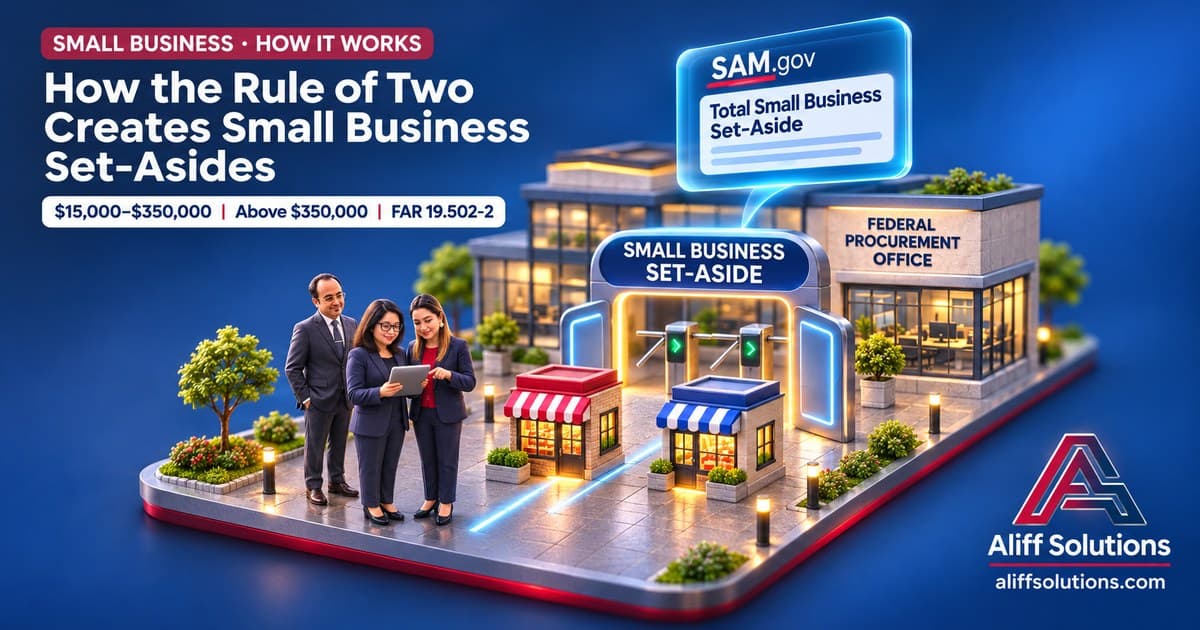
What they find shapes the decision. SBA tells officers they can "use SBS to help determine set-aside or sole-source allocation, or search for contractors for open or upcoming awards." That is the whole point. A search of this database helps decide whether work is reserved for small businesses at all. Our guide to federal set-asides explains what that decision turns on.
What this means for your business
Most owners treat SAM registration as paperwork. Something to finish, then forget for a year. That is the mistake, because the form is not filed away. It is published, and the people who decide how contracts get competed read it.
Say a contracting officer needs a service you provide, in your state. They open the Small Business Search and filter. If two capable small firms come back, the buy can be set aside for small business.
Now suppose your profile is thin, out of date, or does not describe what you actually sell. You are not one of those two. Not because you cannot do the work — because the search did not surface you.
There is a second half to this, and it is the half most owners miss. Buyers do not only search. They also publish sources sought notices to see who answers. SBA coaches contracting officers to write those notices so they "specifically encourage" targeted small businesses to respond, and to "ask only for key pieces of information you need to make the set-aside determination." So the two work together. A findable profile gets you counted, and a reply to a sources sought notice confirms it.
| Where it shows up | What it decides |
|---|---|
| Market research, before anything is public | Whether the agency believes capable small firms exist |
| The set-aside decision | Whether you compete against firms your size or against everyone |
| Sole-source consideration | Whether you are visible as a candidate at all |
| Certification verification before award | Whether your claimed status checks out |
| Searches for open or upcoming awards | Whether a buyer with a live need finds you this month |
Three mistakes we see often:
- Letting the registration lapse. SAM says "you must renew your registration every 365 days to keep it active." A lapsed registration takes you out of the search entirely.
- Writing the profile for a form, not a buyer. Describe what you sell in the words a buyer would use for it, not in internal shorthand or job titles.
- Assuming certification alone does the work. Certification shows on the profile, but a buyer still has to find you first, and they find you by what you do and where you are.
What to do this week
- Look yourself up. Search for your own firm at search.certifications.sba.gov. What you see is what a contracting officer sees. Most owners have never done this.
- Check your SAM registration is active and not near expiry. Renewal is every 365 days, and everything downstream depends on it. Registration is free at SAM.gov.
- Read your own profile as a stranger would. Could a buyer who has never met you tell what you sell, and whether you are near them?
- Fix the description in SAM. Use the plain words a buyer would search for, not your internal terminology.
- Check your certifications display correctly. If you hold one and it does not show, something in the chain is wrong. SBA's certification service lists 1-866-443-4110 and certifications@sba.gov as its contact points. If you are early in all of this, start with our guide to getting started in government contracting, then our capture management guide once the profile is right.
Sources (7)
- SBA, Guidance for federal contracting officials: small business procurement — https://www.sba.gov/partners/contracting-officials/small-business-procurement (accessed November 12, 2026)
- SBA, Guidance for federal contracting officials — https://www.sba.gov/contracting-officials/ (accessed November 12, 2026)
- SBA, Business certifications: 8(a), WOSB, HUBZone, SDVOSB — https://www.sba.gov/certifications/ (accessed November 12, 2026)
- SBA Small Business Search — https://search.certifications.sba.gov/ (accessed November 12, 2026; dsbs.sba.gov returns an HTTP 301 redirect to this address)
- SAM.gov, Entity registration — https://sam.gov/entity-registration (accessed November 12, 2026)
- FAR 10.002, Market research procedures — https://www.acquisition.gov/far/10.002 (FAC 2026-01, effective March 13, 2026; accessed November 12, 2026)
- FAR 4.1102, Policy (SAM registration) — https://www.acquisition.gov/far/4.1102 (FAC 2026-01; accessed November 12, 2026)
Want help putting this to work for your business? Book a free consultation with Aliff Solutions: https://aliffsolutions.com
This article explains general rules as of November 2026. It is not legal advice, and rules change. Always check the current solicitation and the official sources linked above. We don't guarantee contract awards.
Frequently Asked Questions
- What is the SBA Small Business Search?
- It is SBA's public database of small businesses, used by federal buyers to find firms to work with. SBA refers to it as the "Small Business Search (SBS, formerly the Dynamic Small Business Search)." It is at search.certifications.sba.gov, and contracting officers are required to use it as part of their market research.
- Is DSBS the same thing as the Small Business Search?
- Yes. Dynamic Small Business Search was the former name, and SBA now uses "Small Business Search (SBS)." The old web address, dsbs.sba.gov, redirects to the current one. If you find older guidance referring to DSBS, it is describing the same database under its previous name.
- Do contracting officers really have to use it?
- Yes. SBA's guidance to contracting officials states: "You're required to use the Small Business Search (SBS, formerly the Dynamic Small Business Search) as a part of your market research." The FAR also lists it among market research techniques, at FAR 10.002(b)(2), alongside the System for Award Management and the Federal Procurement Data System.
- How does my business get into the Small Business Search?
- Through your SAM.gov registration. The two are linked, which SBA describes when explaining certification: "Once certified, your profile in SAM and the Small Business Search (SBS, formerly the Dynamic Small Business Search) will show your approval date." If you are registered in SAM as a small business, you are in the search.
- How often do I need to update it?
- Your SAM registration must be renewed at least annually. SAM states: "You must renew your registration every 365 days to keep it active." Update it sooner than that whenever what you sell, where you work, or your certifications change, because an out-of-date profile is worse than a sparse one.
- What do buyers actually search for?
- SBA tells contracting officers they can "use SBS to help determine set-aside or sole-source allocation, or search for contractors for open or upcoming awards." They also use it to find businesses certified in a particular program, such as HUBZone, and to verify that certification before making an award.
Get More GovCon Insights
Subscribe to our weekly newsletter for actionable intelligence on winning government contracts.
Written by
Sumera Khan
Co-Founder and VP, Client Relationships, Aliff Solutions
Aliff Solutions provides quantitative intelligence for government contractors. Our team combines decades of federal contracting experience with advanced analytics to help you win more contracts.